By Supaorder Team — who we are
Restaurant POS Integration: Is It Worth It?
Restaurant POS integration connects your till to online ordering so orders, menus and statuses sync. The types, how they connect, and when it is worth it.

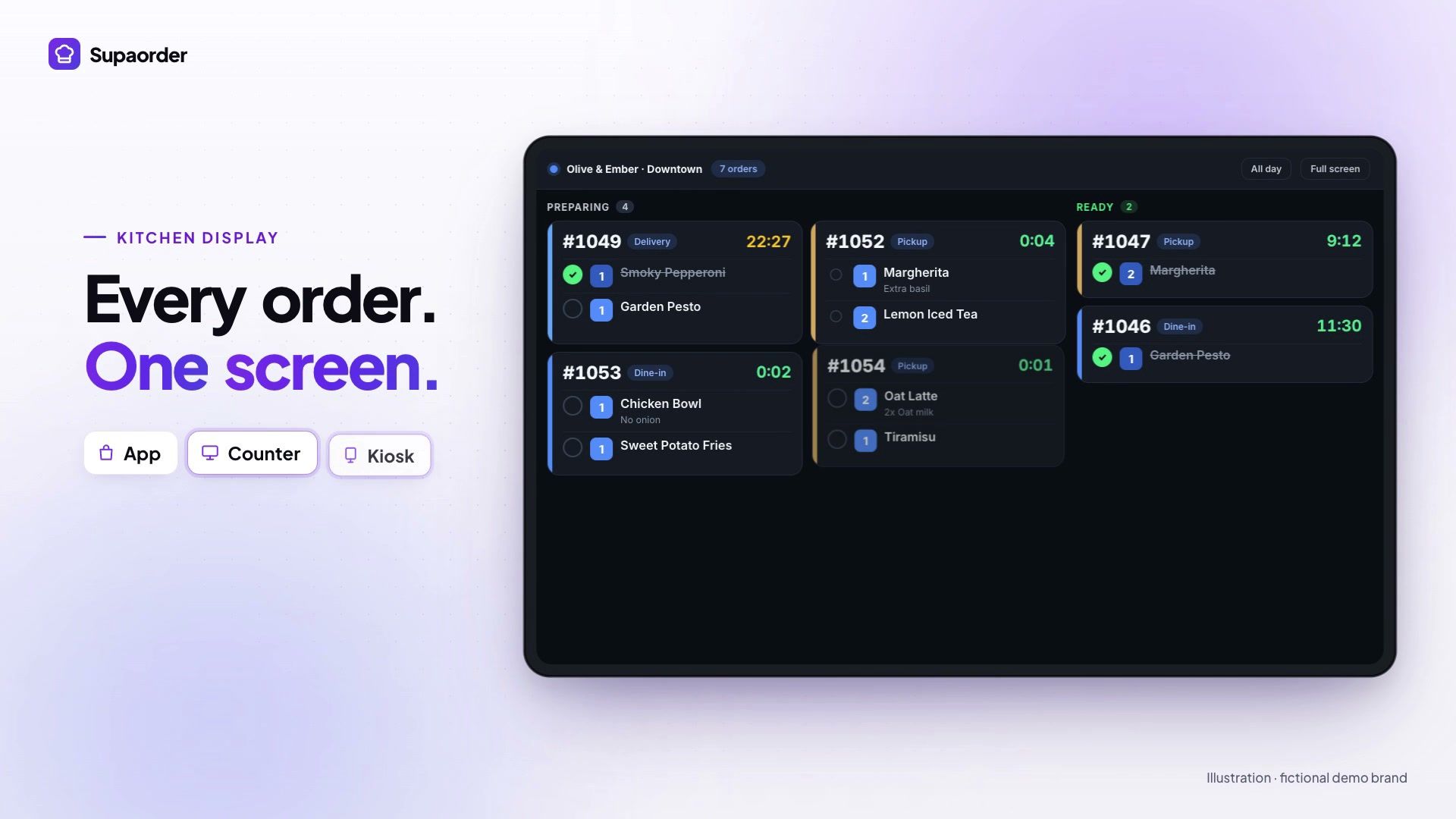
Restaurant POS integration is a connection between your point-of-sale system — the till at the counter — and the other software the restaurant runs on, so that orders, menu items, prices and sales figures move between them automatically instead of being typed in twice. The most common kind connects online ordering to the POS: an order placed in an app or on a website lands in the till exactly as if it had been rung up at the counter.
Types of restaurant POS integration
- Online ordering and delivery. Online orders are sent into the POS, so the kitchen and the counter work from one queue. This is the integration this post is about, and the one most restaurants mean.
- Order status. When an order is accepted, ready or out for delivery, the change is pushed to the till, so it is not left holding orders that have already gone out.
- Menu sync. Items, prices, modifiers and availability are imported from the POS (or pushed to it), so an item sold out at the counter is not still orderable online.
- Sales data. Counter orders flow back into the same reporting as online ones, so busiest hour, best seller and discount performance have one answer rather than two.
- Payments, accounting and inventory. Card terminals, bookkeeping and stock control also connect to the POS, but usually through the POS vendor’s own apps rather than through your ordering platform.
How a POS integration connects
There are three common methods, and which one you get is decided by the POS vendor, not by you:
- A vendor API, server to server. The ordering platform talks to the POS company’s cloud using credentials you request from the vendor. Square and Toast work this way; Square credentials are typically self-served the same day, while Toast issues them through a partner process that takes weeks.
- An app on the POS devices. An app installed on the terminals receives orders and enters them locally. Clover connects to Supaorder this way, enrolled with a login code from the admin dashboard, and is available to North American Clover merchants on request while it rolls out.
- A middleware hub. A third service sits between several ordering channels and one POS and translates between them — useful when many marketplaces feed one till, and one more subscription and point of failure when they do not.
Supaorder integrates with Clover, Square and Toast. What syncs in each direction, vendor by vendor is on the POS integration page.
Is POS integration worth it?
Usually yes above roughly a hundred online orders a week, and usually no below it — or if you are about to replace the till. The rest of this post is the reasoning: what genuinely changes on a shift, what it costs to set up, the order to switch things on, and the situations where the honest answer is not to bother.
What it actually changes, in order of how much
Somebody stops re-typing orders. This is the whole thing, and everything else is downstream of it. Without a connection, an online order arrives on a tablet, a screen or a printout, and a person reads it and keys it into the till. On a slow Tuesday that costs a few seconds. On a Friday at 7pm it costs accuracy: the modifier that got missed, the table number that went in wrong, the order that was keyed twice because nobody was sure it had been.
Your sales figures start describing the whole restaurant. If counter orders live in the POS and online orders live somewhere else, every question you ask — busiest hour, best-selling item, what a discount did — has two answers and you have to add them up by hand. Turn on inbound sync and there is one number.
Your menu stops disagreeing with itself. Two systems holding two menus drift within a fortnight. Someone 86s an item at the counter and it stays orderable online for the rest of the night.
Notice what is not on that list: it does not make you faster at cooking, and it does not bring you more orders. Integration removes a category of error and a category of admin. That is worth real money in a busy kitchen and almost nothing in a quiet one, which is why the decision is about volume rather than about principle.
The arithmetic, roughly
You can estimate the value without any special data. Take the online orders you handle in a week, multiply by the seconds it takes to key one in, and add a generous allowance for the ones that go wrong.
At 30 orders a week and 40 seconds each, that is 20 minutes a week of typing. Not nothing, and not a reason to start a partner-credentials process either. At 300 orders a week it is three and a half hours, plus whatever the mis-keyed ones cost you in remakes and refunds — and at that volume the mis-keys are the expensive half.
The threshold where this stops being a judgement call and starts being obvious is somewhere around a hundred online orders a week. Below it, integration is a nice-to-have you should do when you have a quiet fortnight. Above it, you are paying for a person to be a data-entry clerk during your busiest hours.
What it costs you, honestly
Setup is small; waiting is not. Square is typically same-day once you hold the credentials, and Clover is enrolled from the dashboard with a login code. Toast is not — its credentials come through a partner process on their timetable, measured in weeks rather than days. If you are on Toast, the useful thing to do today is start that request, then read the rest of this at leisure.
Editor’s note, 27 September 2026: Clover no longer uses credentials. It now connects through an app on the Clover devices, enrolled with a login code from the admin dashboard, and is available to North American Clover merchants on request while it rolls out. What follows about Square and Toast is unchanged.
Menu tidying is the real work. Almost every POS menu is messier than its owner remembers: retired items, test entries from the install, three spellings of the same modifier. Importing it is quick. Deciding what should survive the import is an afternoon, and it is an afternoon you were arguably owed anyway.
Mapping is a decision, not a task. Order types in particular. Toast identifies delivery, pickup and dine-in by GUID rather than name, and if nobody maps yours, orders still sync — they just arrive as the wrong type. That is worse than not syncing, because it is silent and it pollutes exactly the reporting you turned inbound sync on to get.
Turn it on in this order
The commonest mistake is switching everything on at once and then not knowing which change caused the odd number in the reporting. There is an order that avoids that, and it costs nothing to follow.
One: outbound orders, on one outlet. Online orders to the till, nothing else, at your quietest site. Run it for a week and watch what lands. You are checking for two things — that every order arrives, and that it arrives looking like an order your staff recognise rather than a wall of codes.
Two: status updates. Once outbound is trusted, add status pushes so the till is not holding an order that has already gone out on a bike. This is the switch people forget, and forgetting it produces the specific complaint that “the POS says we still have orders we don’t have”.
Three: the menu, deliberately. Preview what the POS holds before importing anything. Import into that same single outlet, tidy it there, and only then use that outlet as the source for the rest. Menu import is configured separately from the sync switches precisely so you can do this in the right order.
Four: inbound, last. Counter orders into your reporting is the most valuable switch and the one with the quietest failure mode — a wrong default does not break anything, it just makes your numbers subtly untrue for as long as nobody checks. Turn it on when the other three are boring.
Then the other outlets. The second site takes a fraction of the time the first one did, because every decision you were making up as you went along is now a decision you have already made.
Questions to ask a POS vendor
“Integrates with your POS” covers everything from a tablet in the kitchen to full two-way sync, and vendors rarely say which one they mean. Five questions separate a real connection from a logo on a page:
- Which arrangement is it? Orders in only, menu out only, or both plus status flowing back. Make them name it rather than say “full integration”.
- Show me my own menu synced, including the item I know is awkward. Combos, weight-priced items, half-and-half, modifier groups with their own modifiers — the places where a till and an ordering system disagree about what a menu is.
- What is the delay on an 86, end to end? Then ask what happens if the connection is down when the kitchen marks it.
- When both sides changed, which wins, and where is that written down? One-way sync is a delivery problem; two-way is a conflict problem. A price edited on the till while a basket is open online, or an item edited in both places between syncs, needs a rule — and a vendor who has built this answers immediately.
- What do I have to do when the POS vendor changes their API? The honest answer involves them, not you, but it is worth hearing them say it.
Two situations where you should not integrate
You are planning to replace the till. Integrating a POS you intend to retire is work you throw away twice: once building it, once unpicking it. Supaorder includes its own register, so if the current till is on its way out, skip the connection and move the counter when you are ready.
Your online volume is genuinely small. If four orders a day arrive online and a member of staff keys them in while the kettle boils, the integration is solving a problem you do not have. Revisit it when the volume changes, which it will if the direct-ordering push works.
There is a third case worth naming because it is common and nobody says it out loud: if your POS is a bad POS, integration will not rescue it. A connection makes two systems agree. It does not make either of them good.
What to do with this
If you are above the volume threshold and keeping your till: read what actually syncs in each direction, and what to have ready for each vendor, and start the Toast request first if that is your till.
If you are below it, or replacing the register: do nothing about integration and spend the attention on the thing that moves the number, which is getting customers ordering directly at all.