Restaurant POS Integration, Direction by Direction
What actually syncs between your online ordering and your till on Clover, Square and Toast — the four switches, what each vendor makes you gather first, and the failures that look like a typo and are not.
Restaurant POS integration is a connection between the software taking your online orders and the point-of-sale system running your counter, so both hold the same orders, the same menu and the same statuses without anyone typing an order twice.
"Two-way sync" means different things on different vendors' pages, so this one says exactly what it means here. On Square and Toast the connection is not one setting — it is four independent switches, and the commonest working setup is not all four on. Clover connects differently, through an app on the Clover devices, with switches of its own.
Three tills, two-way
Two-way sync — menus flow in, orders push out, and statuses stay aligned. Keep the register you have.
Clover
North America — an app on the Clover devices, available on request during rollout
Square
POS sync — Square is not used as a payment gateway here
Toast
Every system this platform connects to is named on the integrations page . If a connector is not on that list, it is not an integration.
What syncs, in which direction
They are independent, and that is the point. Most restaurants run outbound orders plus status updates, and add inbound later once the mapping is trusted.
Sync app orders to POS
OutboundOnline orders land on the till your staff already use, in the flow they already know. Nobody re-keys anything, and re-keying is where wrong orders come from — so this is an accuracy change before it is a speed one.
Sync POS orders to app
InboundCounter orders flow into the same reporting as online ones, so your sales figures describe the whole restaurant rather than the online slice. The switch to be careful with: inbound orders go straight into reporting, and a wrong default distorts it quietly.
Push status updates to POS
OutboundA status change here is reflected there. Usually turned on with outbound orders; without it the till holds an order that has already been dispatched.
Terminal states only
OutboundPush the final states rather than every intermediate step. Exists because not every till wants the play-by-play — if yours only cares whether an order completed or was cancelled, the rest is noise.
Clover is set up differently. It connects through an app on the Clover devices rather than these four switches, with its own three: accepted online orders sent into Clover, paid Clover sales brought back, and the menu synced in from Clover for the items you map. It is for North American Clover merchants and available on request while it rolls out; the POS integrations documentation covers the setup.
Six failures, and none of them is a typo
Every one of these has cost somebody an afternoon. They are listed here rather than in a support article because knowing them before you start is what makes the difference.
A Clover connection that lives on the device
Clover connects through an app on the Clover devices themselves, not a server-to-server link, so it is a device at the outlet that sends orders into Clover. If every Clover device there is switched off or offline, orders wait on the platform and go through when one comes back — nothing is lost, but nothing prints in the meantime either.
A partner process you started too late
Toast credentials are issued through their partner process rather than self-served. It is the long pole in a Toast project and the one thing on this page you should start before you have decided anything else.
Sandbox credentials against production
Square runs separate sandbox and production environments and credentials from one never work against the other. The webhook has to be registered against the same application whose credentials you are using; mixing two applications fails silently.
Order types arriving as the wrong type
Toast identifies delivery, pickup and dine-in by GUID rather than by name, so each of yours has to be mapped. Skipping it does not stop orders syncing — it makes them arrive as the wrong type, which is worse than not syncing.
A menu import nobody previewed
POS menus are reliably messier than their owners remember: retired items, test entries, options nobody has used in years. Preview what would come across before it does, import into one outlet, tidy it there, then use that outlet as the source for the rest.
The till is offline and the order is not
A network drop at the restaurant does not lose the order. It stays on the platform and reconciles when the connection returns — which is the behaviour to ask any vendor about, because the alternative is an order that exists in one system and not the other.
The per-vendor credential list — what Toast and Square each make you gather, field by field — is in the POS integrations documentation .
When not to integrate
If you are replacing the till anyway, do not connect it. Supaorder includes its own register, so integrating a POS you plan to retire is work you throw away twice — once building it and once unpicking it. Connect a till you are keeping.
If your online volume is a handful of orders a day, the integration buys accuracy you were not losing. Somebody re-keying four orders is not a problem worth a partner process.
And if you are on Toast and in a hurry, know that the credentials come on their timetable rather than yours. Start that request first and do everything else while you wait.
The wider decision — whether integrating is the right call for your operation at all — is worked through in the POS integration guide .
POS integration, answered
What is restaurant POS integration?
A connection between the software taking your online orders and the point-of-sale system running your counter, so the two hold the same orders, the same menu and the same statuses without anyone typing an order twice. In practice it is three separate flows — orders out to the till, orders in from the till, and status updates — each of which can be turned on independently.
Which POS systems does Supaorder integrate with?
Two-way sync with Clover, Square, Toast. Square here is a POS integration and not a payment gateway — payments settle through your own gateway account either way. Supaorder also ships its own register as part of the plan, which needs no integration because it is already part of the platform.
Is there a POS API I can build against?
The integrations above are maintained connections rather than a public API you assemble yourself, which is the honest answer to that question. If you are integrating a POS we do not list, or building something bespoke against your own stack, talk to us before you assume either way — the answer depends on which direction the data needs to flow.
How long does POS integration take to set up?
Square is typically same-day once you have the credentials in hand. Toast is not, because its credentials come through a partner process with a lead time measured in weeks. Clover has no credentials to gather: an app on the Clover devices is enrolled with a login code from your admin dashboard, and it is available in North America on request while it rolls out. The setup work itself is small on all three; the waiting is what varies.
Do I have to integrate my POS at all?
No, and plenty of Supaorder restaurants do not. If your till is one you plan to retire, integrating it is work you throw away — the platform includes its own register. If your online volume is small enough that re-keying a handful of orders a day is not a real cost, the integration buys you accuracy you were not losing. It is worth being talked out of.
What happens to my menu when I connect a POS?
Nothing, until you ask for it. On Square and Toast, menu import is configured separately from the order sync and points at the outlet whose menu is the source; you can preview what the POS holds before importing it, and push changes back later. On Clover, menu sync runs one way, from Clover in, and only for items you have mapped to yours — nothing is pushed back to Clover.
Comparing platforms on POS support? Supaorder vs ChowNow and vs Flipdish both carry the row, sourced and dated.
The Counter, the Kitchen and the Floor
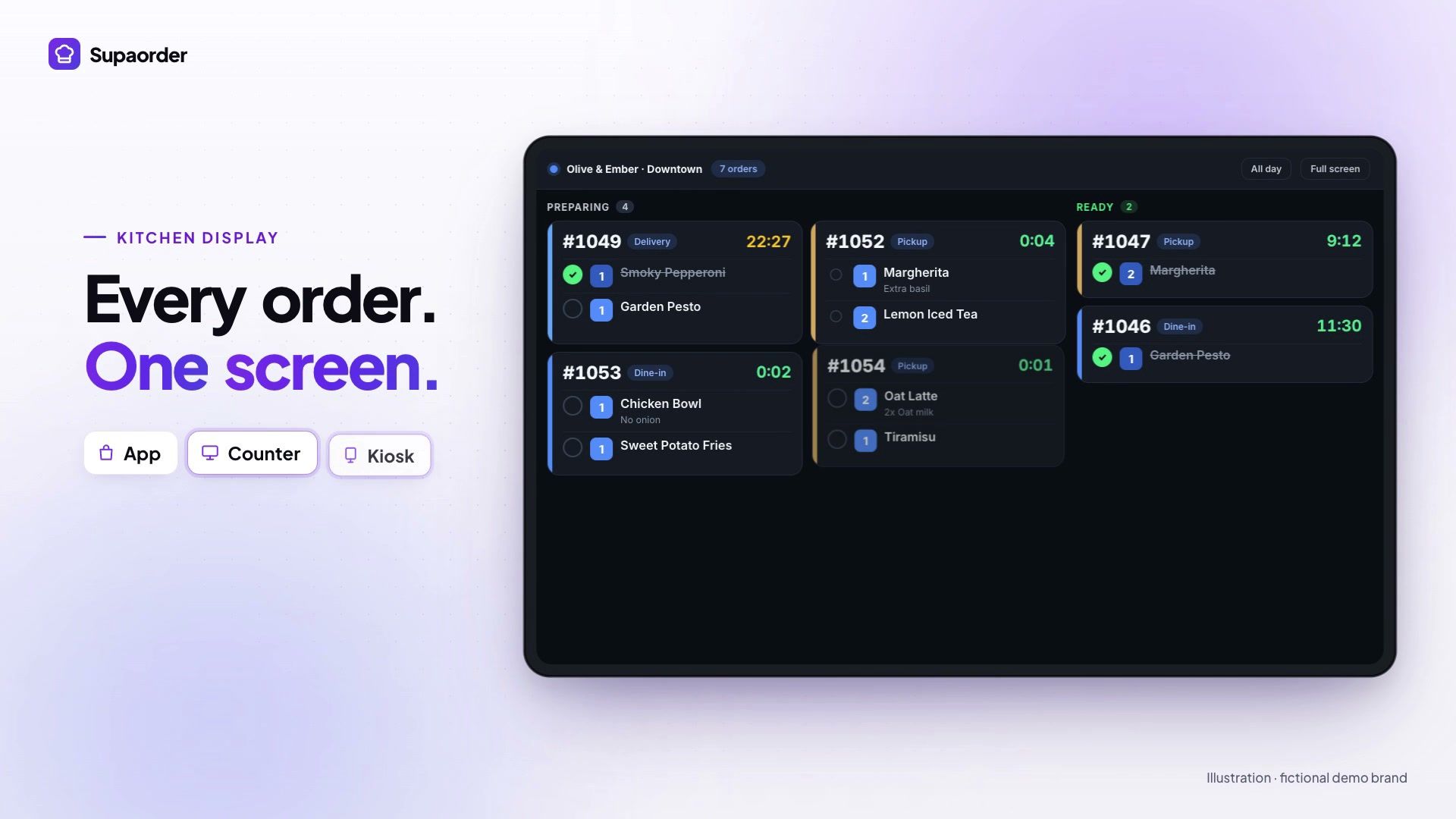
POS register, kitchen display, self-order kiosk, table service and two-way sync with Clover, Square and Toast, in one minute.
Ready for Your Own Ordering Channel?
Get your own branded ordering platform with zero platform commission. Confirm your setup requirements, subscription terms and launch schedule in a demo.
Book a live demo on a real store · See published pricing and setup fees