Sign-in: required, optional or off
Before the menu or at checkout, and whether a new customer must register, may register or skips it. Optional sign-in at checkout is the usual compromise for a queue.
Walk-up customers order and pay without a queue, from the same menu, prices and loyalty program as your app — and the order goes to the same kitchen screen and register as every other order.
A self-order kiosk is a screen customers order from without staff. Supaorder’s kiosk serves your menu, takes payment, prints a receipt, and sends the order to the same place every other order goes.
It is included in every plan as part of the in-store suite, beside the POS register, the kitchen display and the loyalty tablet. There is no separate kiosk subscription and no hardware lock-in: it runs on a screen you buy, with a card reader from your own payment provider if you want card payment at the kiosk.
Idle screen to confirmation. Sign-in and the upsell screen are yours to switch on or off; the rest is the order.
Your brand on the screen until someone taps to start.
A phone number, or the loyalty code from their phone, so rewards and vouchers come with them. They can register on the spot.
Categories and items with photos, prices and modifiers, with a running total on screen.
An optional upsell screen before checkout.
Tips if you offer them, then the card reader or pay at the counter.
A printed receipt, and a four-digit pickup code if you switch it on.
Kiosk settings are opt-in: the kiosk does nothing until you switch it on in the dashboard, and every behaviour below is set there rather than on the device.
Before the menu or at checkout, and whether a new customer must register, may register or skips it. Optional sign-in at checkout is the usual compromise for a queue.
Each one is its own switch, so you decide which loyalty mechanisms a walk-up customer can use. Vouchers need the customer signed in.
Choose which order types the kiosk offers, and print a pickup code on the receipt for calling orders.
Percentage presets, and whether a customer may enter their own amount.
Pay at the counter, the card terminal, or both — and which one is offered first.
Menu search, hiding sold-out items, an idle timeout that clears an abandoned order, and receipt auto-print.
The kiosk is a channel, not a second system. It reads the same menu and price book as your app and register, and the server prices every kiosk order with the same taxes, charges and discounts. Where you want a difference, you set it: a kiosk price on an item, an item hidden from the kiosk only, or a charge scoped to the kiosk or away from it.
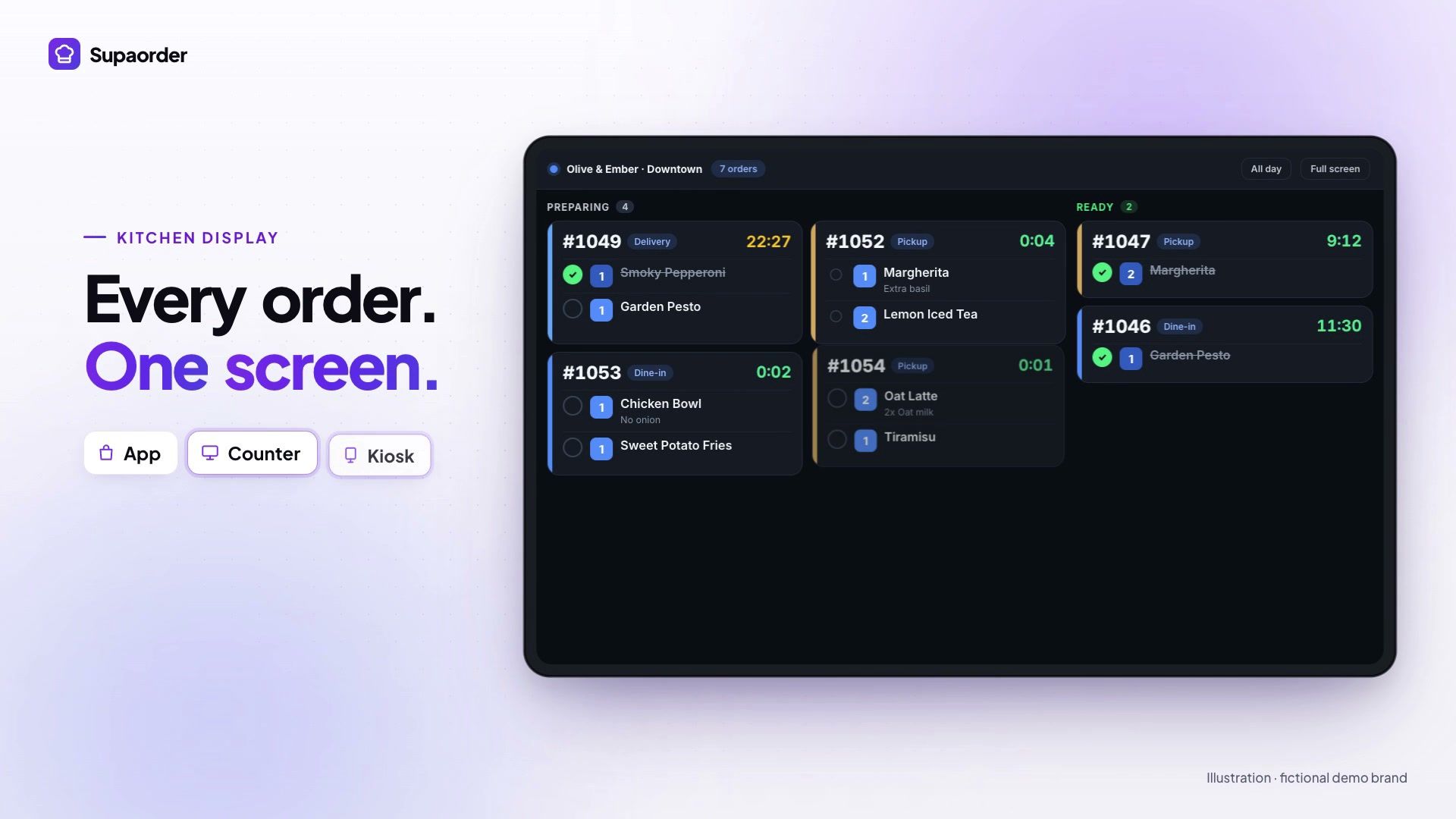
Orders land where the kitchen already works. A kiosk order goes to the kitchen display and the kitchen printers like any other, and staff see it on the register and the partner app. If your counter runs Clover, Square or Toast instead of our register, the POS integration page sets out what syncs in each direction.
Loyalty follows the customer. A signed-in customer earns and redeems against the same balance they see in your app and at the loyalty tablet. For seated guests who would rather order from their own phone, QR table ordering does the same job at the table.
Every setting is described in the kiosk documentation, and card readers in the card terminal guide.
No. The self-order kiosk is part of the in-store suite, which is included in every Supaorder plan along with the POS register, kitchen display and loyalty tablet. You pay per location; there is no per-app fee. The hardware is your own — a screen for the kiosk and a card reader from your payment provider if you want card payment at the kiosk.
Card-present payment is gateway-agnostic: the readers your payment gateway supports are the ones that work, and on the integrations list today that means Stripe Terminal readers and Finix PAX terminals. Your gateway supplies and registers the reader, and with more than one reader you bind each one to its device so the kiosk never sends a payment to the reader at the counter.
The kiosk says so plainly and offers pay at the counter instead, rather than leaving the customer watching a spinner. If both payment options are switched off, the kiosk falls back to pay at the counter rather than becoming unusable.
Yes. The kiosk is a sales channel of its own, so an item can carry a kiosk price that differs from its delivery or pickup price, an item can be hidden from the kiosk while staying orderable elsewhere, and a charge can be scoped to the kiosk or exclude it. That is how a delivery surcharge stays off a walk-up order.
No. Prices, taxes and discounts are calculated on the server, the same way as on every other channel, so the kiosk needs a network connection to price and place an order. If the outlet’s connectivity is unreliable, fix that before buying kiosk hardware. The upside of the same design is that a customer tapping confirm twice still creates one order.
Rewards, coupons and vouchers can each be switched on for the kiosk. Membership redemption is deliberately kept at the register, where staff are present.
POS register, kitchen display, self-order kiosk, table service and two-way sync with Clover, Square and Toast, in one minute.
Get your own branded ordering platform with zero platform commission. Confirm your setup requirements, subscription terms and launch schedule in a demo.
Book a live demo on a real store · See published pricing and setup fees